
What Seedance 2.5 actually adds
The immediate change is length. Seedance 2.5 doubles the company's stated single-pass limit from 15 seconds to 30 seconds and can arrange several connected shots inside that span. ByteDance's launch examples move through a dressing room, backstage corridor, and concert stage rather than holding one scene for longer.
Creators can extend an existing result in additional 30-second rounds. ByteDance says the model carries characters, environments, pacing, and audio forward, which is meant to reduce the stitching and transition repair that usually appears when short AI clips are assembled into a longer piece.
The reference allowance is the more consequential change. A single generation can draw from images, clips, and audio at once. The company also shows rough 3D blockouts being used to control staging and camera movement, along with timestamp instructions that target a particular beat or edit.
Availability is narrower than the word ‘launch’ can suggest. Seedance 2.5 is rolling out through Jimeng AI, Doubao Pro, and other ByteDance surfaces. The official post says API access through BytePlus ModelArk is coming soon, so it should not be described as broadly available through the API yet.
Fifty files can become a very expensive junk drawer
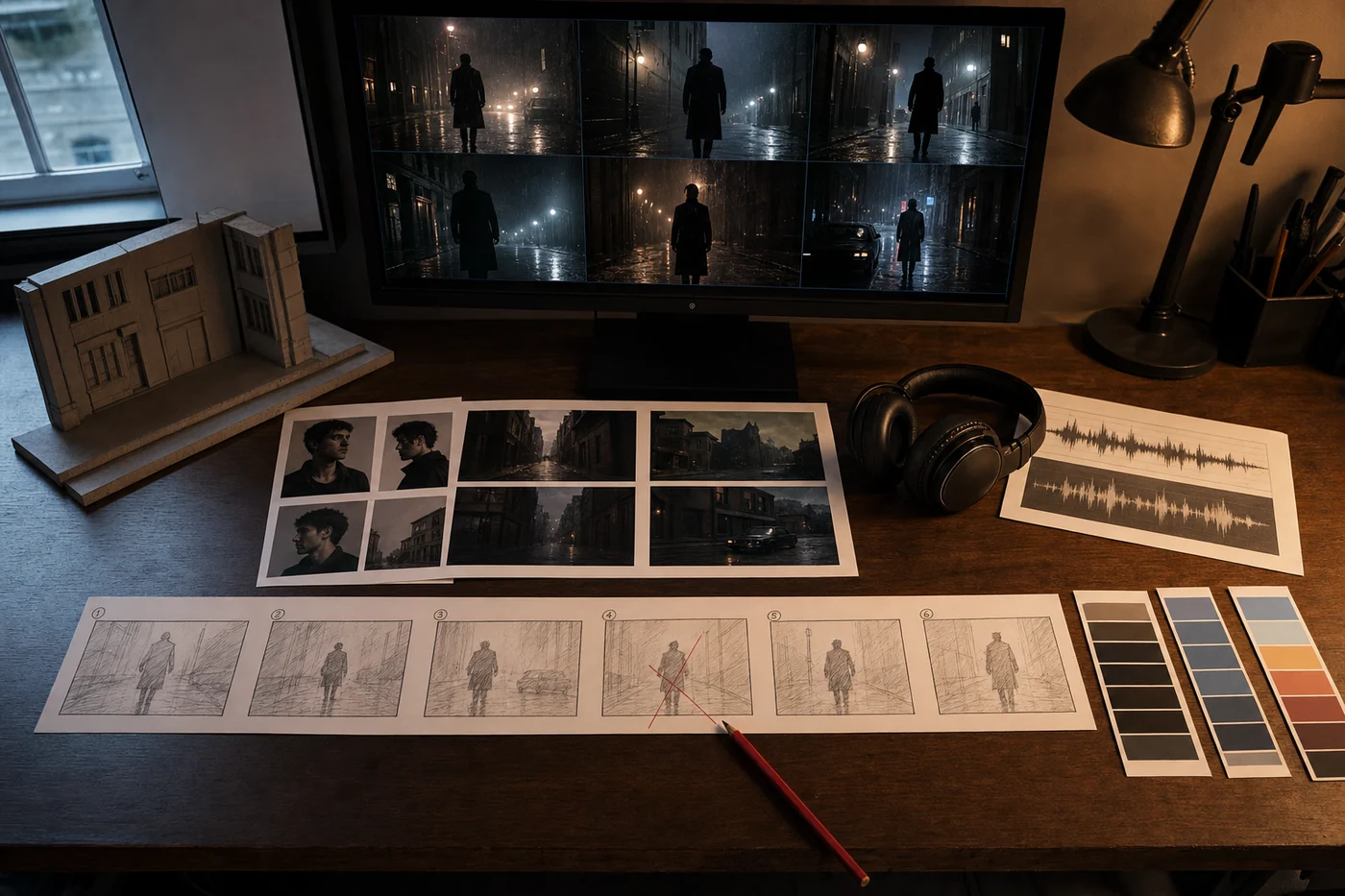
More references help when each one answers a different question. A character portrait can lock appearance. A location image can set the room. A short clip can define camera movement. An audio sample can set pace and texture. A rough blockout can settle where people stand before anyone argues about lighting.
Now picture the ordinary team version: three versions of the logo, an old product photo, two mood reels from different campaigns, a founder's phone clip, a music track nobody has cleared, and a folder called FINAL_FINAL. Feeding all of it to the model does not create context. It hides the disagreement until the render arrives.
Before generation, put one sentence beside every reference: what this file controls, what it must not change, and whether it is approved for the final piece. If two files own the same decision, resolve that before spending the run. If a file has no job, leave it out.
This is not glamorous work. It is also the difference between an AI video tool and an asset lottery.
The useful feature may be the edit after the good take
Seedance 2.5 supports timestamp-level direction during generation and targeted changes afterward. ByteDance shows edits to characters, actions, camera perspective, backgrounds, and green-screen material while the surrounding sequence is meant to remain coherent.
That is the feature a working team should test first. A beautiful first pass proves that the model can produce a beautiful first pass. Production starts when somebody says, ‘Keep the performance and camera move, but change the product at 12 seconds,’ or ‘The pacing works; remove the extra person in the last shot.’
The launch material is still vendor evidence. ByteDance presents curated examples, and TechNode independently confirms the release details, but there is no neutral test in these sources showing how often a targeted edit preserves everything that was already approved. ByteDance itself says complex physical motion and scenes with many interacting subjects still need work.
Save the first accepted version before every change. Then record the requested edit, what changed correctly, and what moved by accident. Three local edits that each force a full review can cost more than one ordinary timeline pass.
Sable sees a story problem. Jun sees a reference-map problem.
Sable Quinn is not ready to call 30 seconds long-form. It is long enough to expose whether the sequence has an idea. A character crossing three locations is movement; a story needs a reason the viewer should care about the final frame. Her test is simple: describe the change between the first shot and the last without mentioning the camera.
Jun Vega wants the interface to make the brief visible. Fifty inputs should not sit in one attachment strip. Group them by character, location, movement, audio, and protected details. When a later edit drifts, show which reference was supposed to hold that part steady instead of asking the creator to remember the upload order.
Those concerns pull in different directions. Sable wants fewer references to substitute for an actual point. Jun wants the references that remain to be legible. Both would rather fix the brief than celebrate a longer render.
Run one 30-second job before changing the whole process
Pick a piece your team already knows how to make: a product demonstration, a short lesson, a location teaser, or previsualization for one scene. Use real constraints. Keep the approved product shot, the actual music direction, the required camera move, and the awkward revision your client usually asks for late.
Start with the smallest reference pack that can hold those decisions. Generate the 30-second sequence, then request one timestamped change that should leave the rest alone. Have someone who did not assemble the prompt review the result against the brief.
Count the minutes spent finding and labeling references, generating, reviewing, repairing drift, and preparing the final file. Compare that with the last time the team made a similar piece. A cheaper render does not help if the creative lead becomes a full-time reference librarian.
The release matters because AI video is becoming less like a slot machine for clips and more like a production surface. Production surfaces inherit production problems. Clear decisions travel well. A pile of files does not.